Apple’s iPhone Duo screenshot requirement: April 2027
The October announcement, submission timeline, and a real Foldmetry export test.
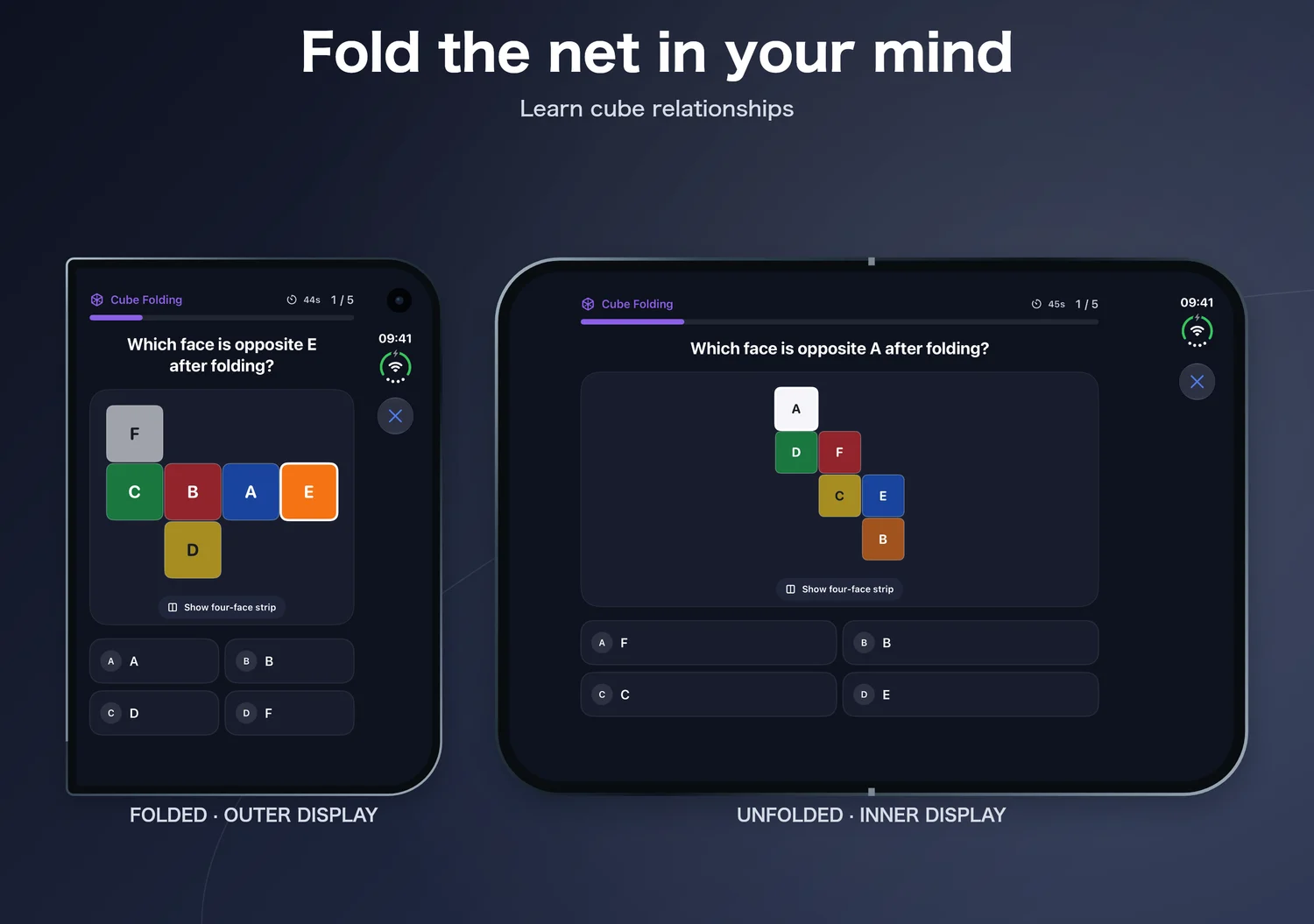
Read the guide →Show folded and unfolded UI in one image. Add genuine outer and inner captures, or choose a single-screen template. Export PNGs at official sizes.
The selected size is the final image canvas. The outer and inner captures inside it can have different orientations.
Duo submissions are open; screenshots are required from April 2027.
Generate Xcode AppIcon.appiconset, Android Studio mipmap/adaptive icons, and a 512px Google Play icon entirely in your browser.
The Folded & unfolded template combines genuine outer and inner captures in one store image, keeping each source aspect and orientation. Choose a single-screen collection to show each display separately. The selected size controls the final canvas. Export exact-size PNGs without alpha; processing and ZIP packaging stay in your browser.
English home-screen paired samples completed ASC file processing in all four sizes; content review is pending. See the upload test →
| Display | Portrait | Landscape |
|---|---|---|
| Outer | 1398 × 2034 px | 2034 × 1398 px |
| Inner | 2007 × 2853 px | 2853 × 2007 px |
Apple screenshot specifications ↗
The October announcement, submission timeline, and a real Foldmetry export test.
Read the guide →Official dimensions, a comparison with iPhone 16 Pro Max and iPad, and export steps.
Read the guide →Apply Apple’s layout guidance, then compose a clear screenshot story for both displays.
Read the guide →Audit an existing app, update layout assumptions, and verify the same task across displays.
Read the guide →Test continuity, readable content, and real capture states before export.
Read the guide →Apple 2.3.3 allows text and image overlays around genuine app UI when the main functionality stays visible. A two-pose composite is a reasonable design under that general rule, but Apple has not specifically guaranteed approval of this Duo composition. Use one accepted final size above, rather than adding the two source widths. More than half of each device’s screenshot set must show the app in use. Apple 2.3.3 ↗
Avoid stretching. Correct pixels do not prove correct UI. Capture the adapted app on each display and create each set separately.
No. Apple lists 886 × 1920 or 1920 × 886 for Duo app previews, with a 15–30 second duration. This page generates PNG screenshots. Preview specifications ↗
The Duo frame is independently drawn using Apple’s public illustrations as reference and adapts to each display and orientation. You can turn it off. It is not an official Apple asset; official artwork is available from Apple Design Resources. Apple Design Resources ↗